Trello

Pricing
Free plan available
App type
Works with ShopWired
Support type
Third-party support
Any questions?
Contact ShopWired
Add Trello product card automation to your ShopWired website

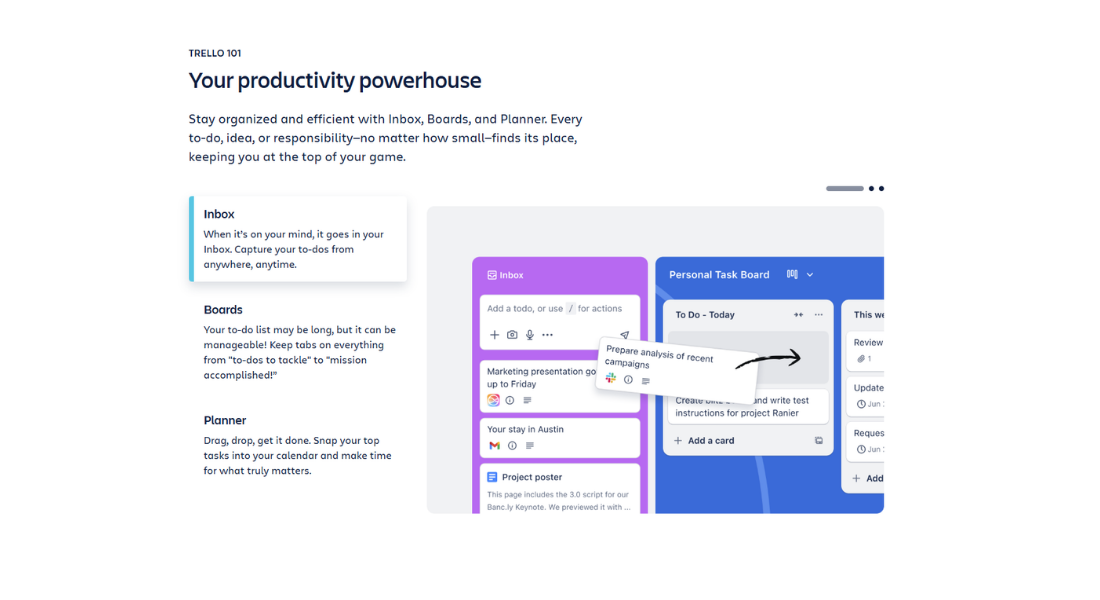

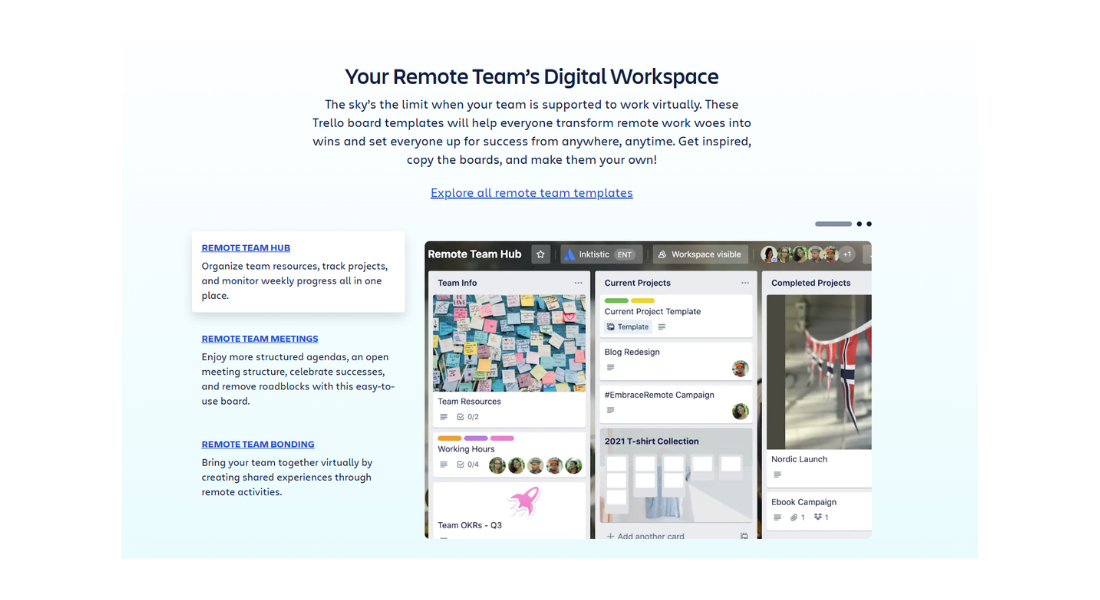
Trello is a project management platform that enables teams to organise work using boards, lists and cards. It is widely used to track tasks, workflows and internal processes.
This integration uses Make.com to listen for new product creation events in ShopWired and automatically create a card in a specified Trello board and list. Product information is sent from ShopWired to Trello, where the card is created and managed, while the product itself remains managed within your ShopWired website.
-
Automatically create Trello cards for new products
-
When a new product is created in ShopWired, a corresponding card is automatically added to your selected Trello board and list
-
Include key product information in each card
-
Cards can contain product details such as title, description, SKU, pricing and product URL, formatted as text within the card
-
Assign cards to specific boards, lists and labels
-
Newly created cards are added to a predefined board and list, with a selected label applied for clear organisation
-
Data handling and responsibility
-
Product data is sent from ShopWired to Make.com via webhook and then to Trello, where the card and its information are stored and managed
Getting started with the integration
- Create a Trello account if you don't already have one
- Ensure you have a Make.com account with access to instant webhook scenarios
- Open the provided Make.com scenario blueprint and create a new scenario from it
- Connect your Trello account, select the required board, list and label, and activate the scenario
- When a new product is created in ShopWired, a Trello card is automatically generated with the configured details