Wrike

Pricing
Free trial available
App type
Works with ShopWired
Support type
Third-party support
Any questions?
Contact ShopWired
Add Wrike task automation to your ShopWired website



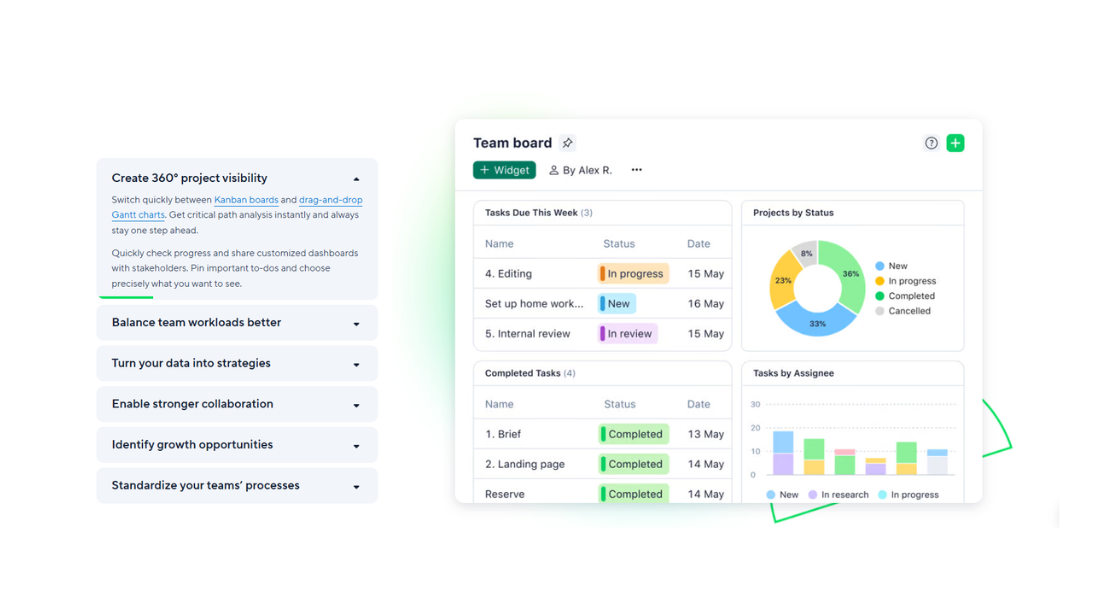
Wrike is a work management platform used to organise tasks, projects, and team collaboration. It is commonly used by ecommerce businesses to manage order fulfilment, customer service workflows, and internal operational processes.
Using a pre-built scenario in Make, a task is automatically created in Wrike whenever an order is finalised in ShopWired. Orders remain managed in ShopWired, while operational tasks are created and tracked in Wrike.
-
Automatically create fulfilment tasks from new orders
-
A task is created in your selected Wrike folder when an order is finalised in ShopWired, using the order ID as the task title
-
Include customer details in task descriptions
-
Billing name, email address, and telephone number are added to the Wrike task description for quick reference
-
Set milestones and due dates instantly
-
Each task is created as a Milestone with the current date set as the due date and importance set to Normal
-
Data handling and responsibility
-
Order data is sent from ShopWired to Make.com via webhook and used to create a task in Wrike. No updates are sent back to ShopWired
Getting started with the integration
- Create a Wrike account if you don't already have one
- Create or access your Make.com account and ensure your Wrike connection is authorised
- Import the provided scenario blueprint into Make.com
- Add the generated Make.com webhook URL to your ShopWired order.finalized webhook settings and enable the scenario
- When an order is finalised in ShopWired, a corresponding task is automatically created in your selected Wrike folder