Instagram widget

Instagram widget
Store design › Design elements
ShopWired integration
A ShopWired-built integration connecting ShopWired and the third party platform.
Pricing
This ShopWired app is free to use.
Consult the third party platform for support on its functionality.
App type
ShopWired integration.
Support type
Support for this app's functionality is provided by ShopWired.
For support using the third party platform, contact their support team directly.
Any questions?
Contact ShopWired support for more information about this app.
Showcase your Instagram posts on your website


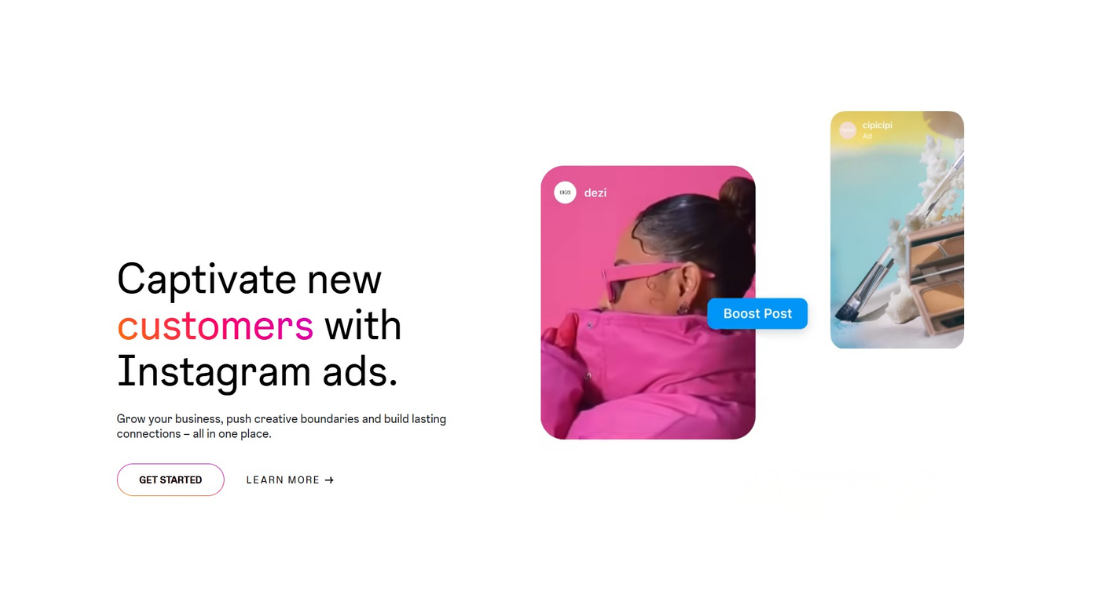
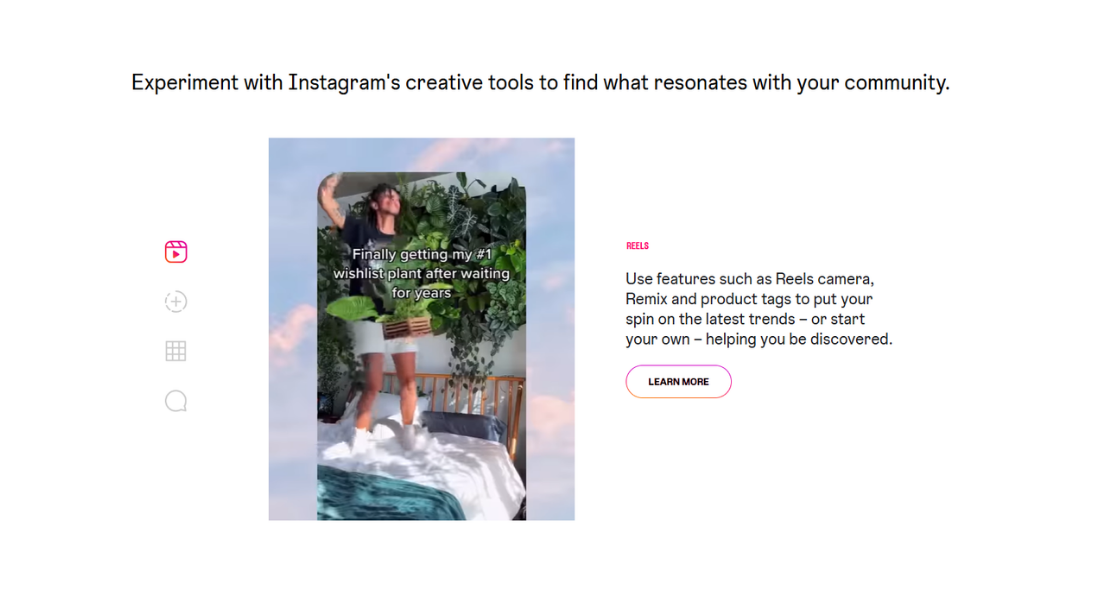
Display your Instagram content directly on your ShopWired account to engage visitors and highlight your brand’s social presence. The Instagram widget app allows you to connect your Instagram account and seamlessly embed your posts.
- Multiple feed options: Create up to three separate Instagram feeds to display across your website
- Customisable layout: Control the number of posts per row on desktop, tablet and mobile devices
- Easy integration: Add your Instagram feed to any page using the theme customiser
- Product tagging: Tag products in your Instagram posts to drive sales directly from your social content
Getting started with the app
To install and configure the Instagram widget app, follow these steps:
- Select Install this app
- Enter the Facebook business page name that is connected to the Instagram account you want to use
- Connect your Instagram account by logging in through Facebook
- Once connected, configure the settings according to how you want the feed to display
Displaying the Instagram feed
To display your Instagram feed on your website, use the app sections feature or add code to your theme files:
- Version 5 themes: Use the app sections feature to configure where to display your Instagram feed
- Version 4 themes: Follow the instructions in the help guide for displaying the feed on Version 4 themes