SendCloud

Pricing
Free trial available
App type
Works with ShopWired
Support type
Third-party support
Any questions?
Contact ShopWired
Add Sendcloud shipping automation to your ShopWired website


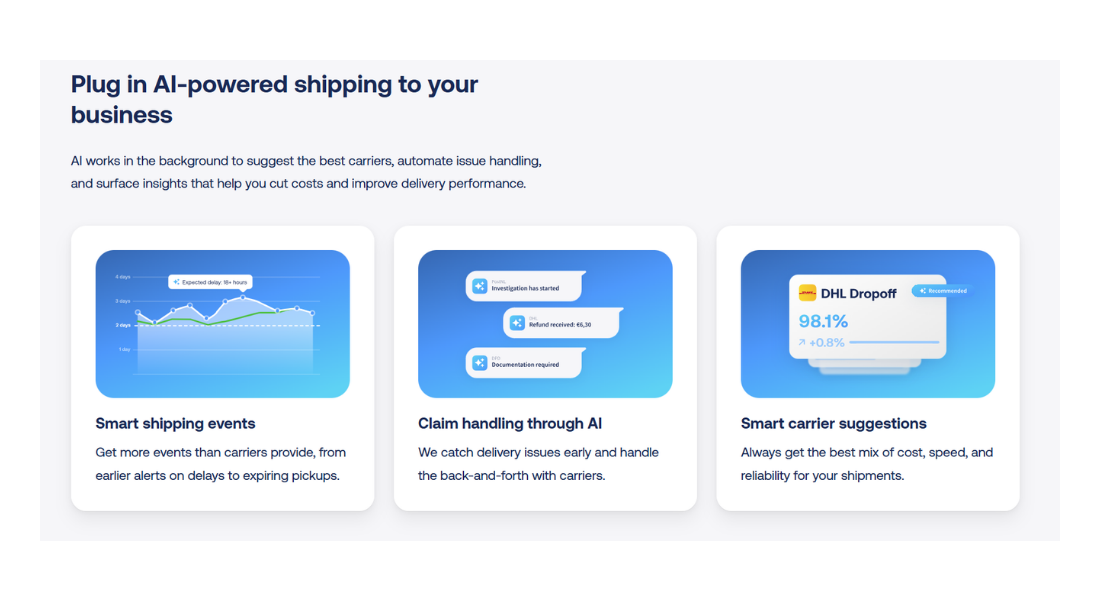
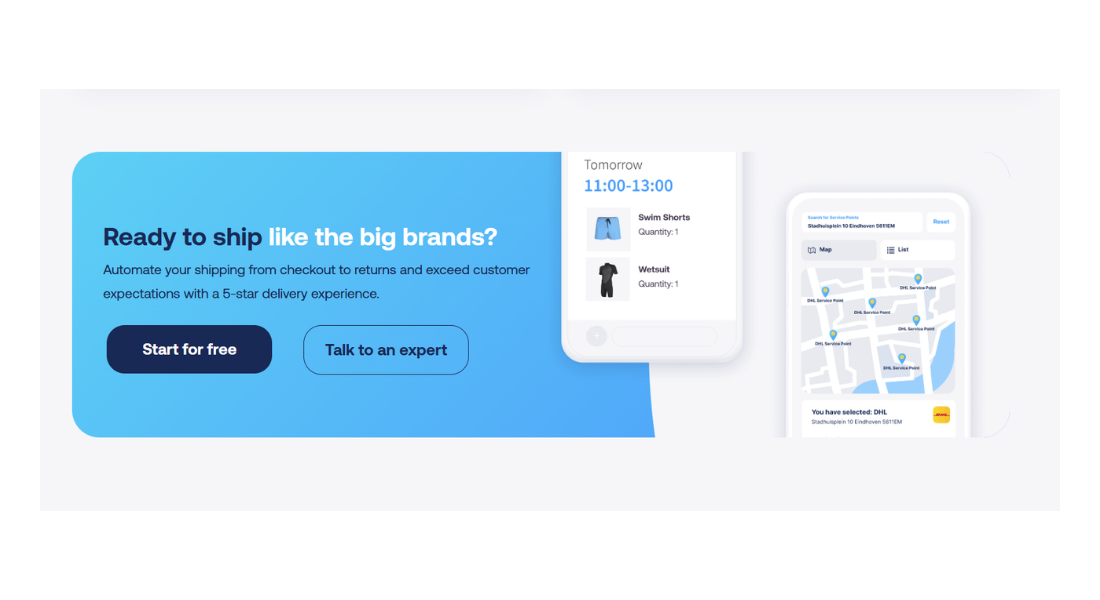
Sendcloud is a shipping automation platform that enables businesses to create multi-carrier shipping labels, apply automated shipping rules and streamline fulfilment workflows. It also supports returns management, shipment tracking and address validation.
Orders are exported from your ShopWired account as a CSV file and uploaded into your Sendcloud account. Sendcloud requires specific mandatory fields and column mapping in order to create shipments and generate labels from the imported data.
-
Export orders for automated fulfilment
-
Download your ShopWired orders as a CSV file and upload them into Sendcloud to prepare shipments for label creation
-
Apply shipping rules and manage carriers
-
Use Sendcloud to automate carrier selection, validate addresses, manage returns and generate tracking information
-
Data handling and responsibility
-
Order and shipping data exported from ShopWired is uploaded to and processed within your Sendcloud account
Getting started with the integration
- Create a Sendcloud account
- Use the export option in your ShopWired account to download orders as a CSV file
- Review the CSV file to ensure required shipping address and order fields are completed
- Upload the CSV file within your Sendcloud account and configure any required column mapping, including mandatory fields
- Create shipments and generate shipping labels within Sendcloud using the imported order data